
A complete studio for all your creative work.
Professional Urdu calligraphy, AI-assisted design, and the first ever Urdu video editor — unified in a single mobile studio built for serious creators.


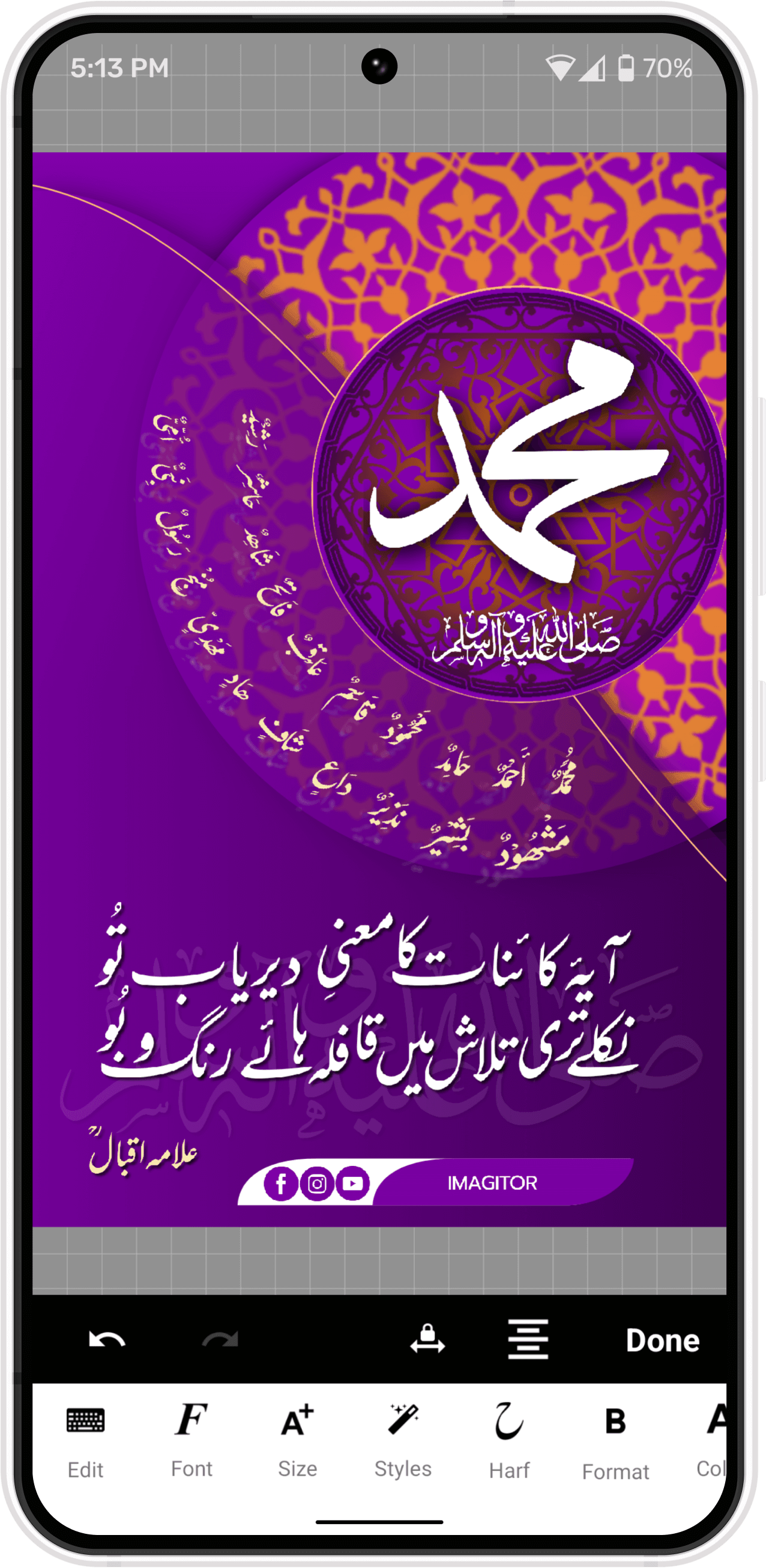
Design without distractions
Focused tools, a refined interface, and an infinite mobile canvas — engineered to keep you in your creative flow.
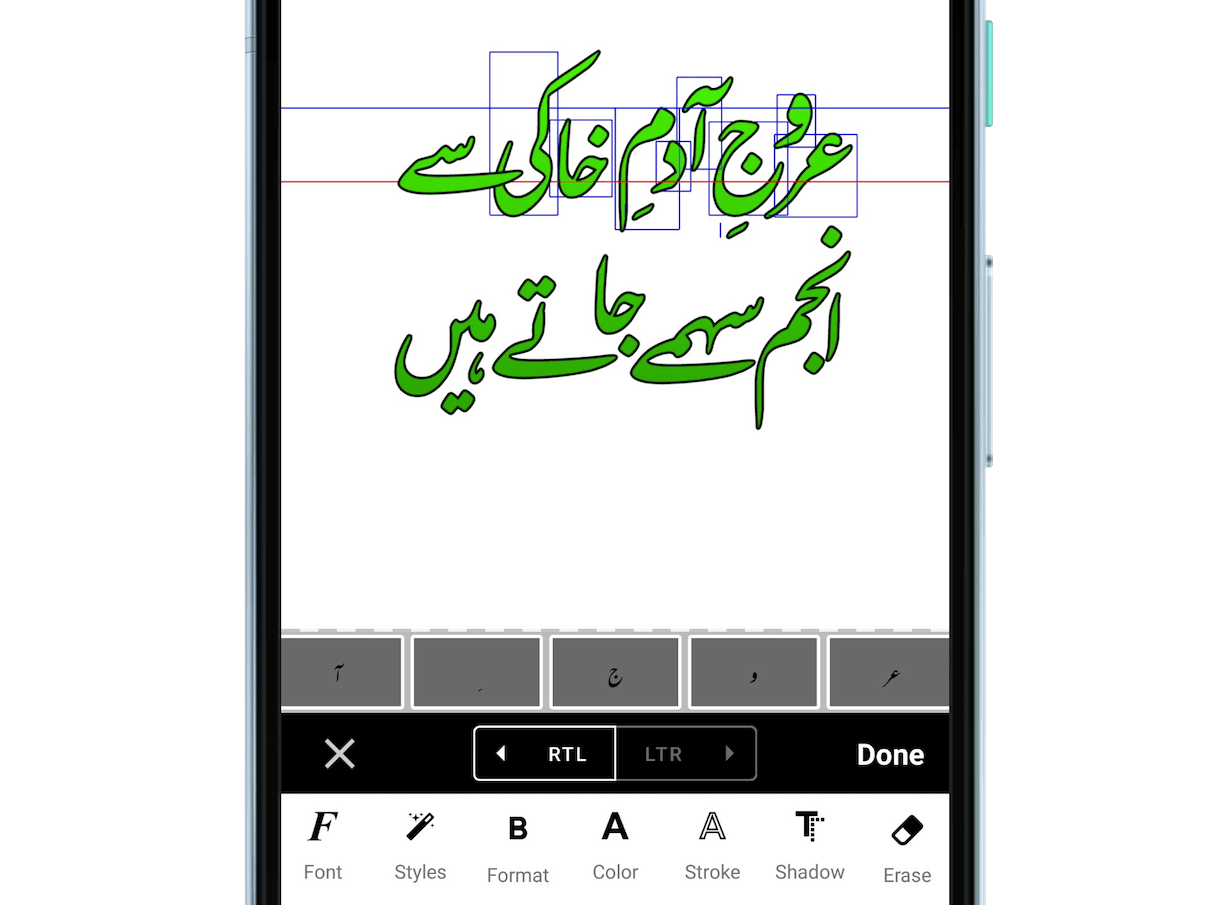
Complete typographic control.
Shape every letter with Urdu calligraphy, custom strokes, and refined text gradients.
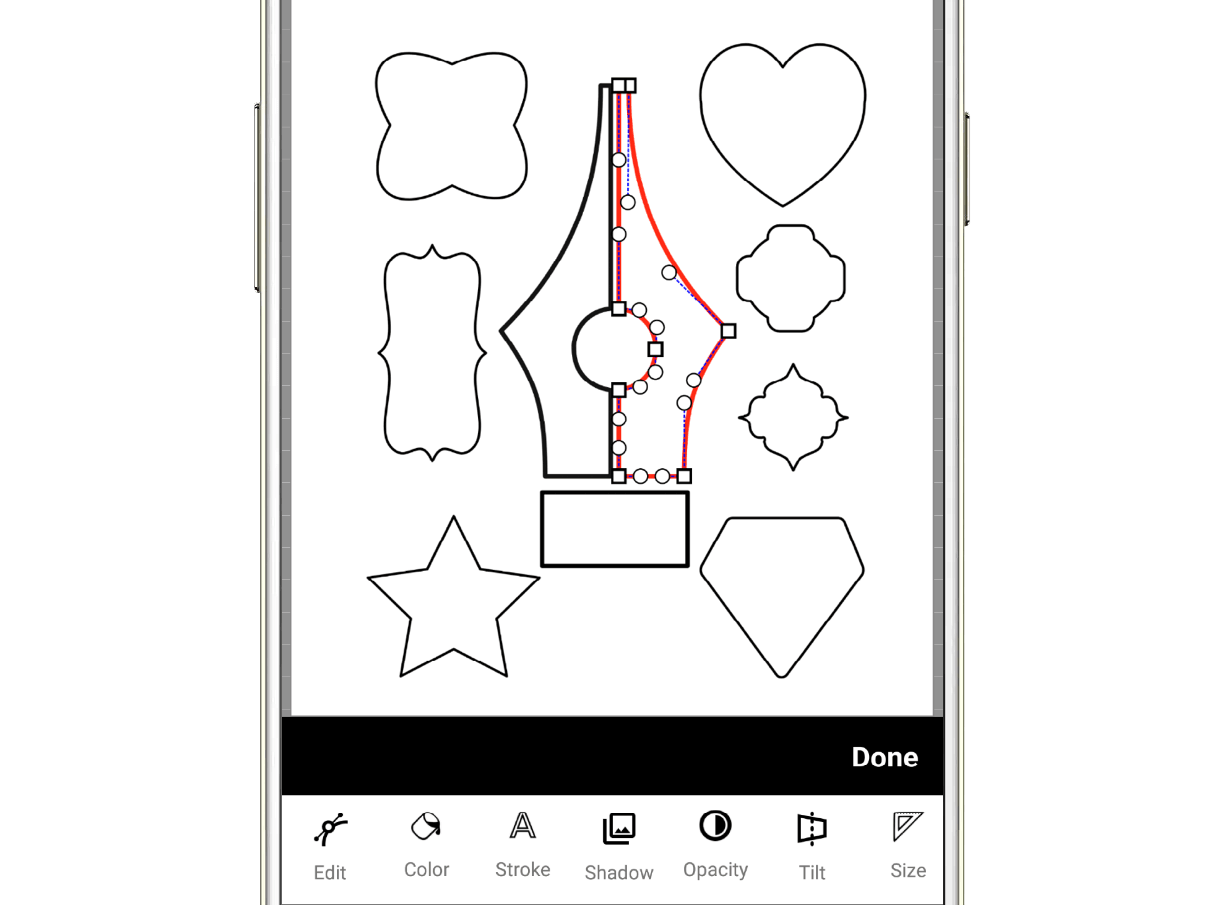
Precision vector editing.
Draw and refine vector paths with full control over anchor points and curves.
Organize with precision.
Build clean, data-driven tables — import content, style borders, and format cells with ease.
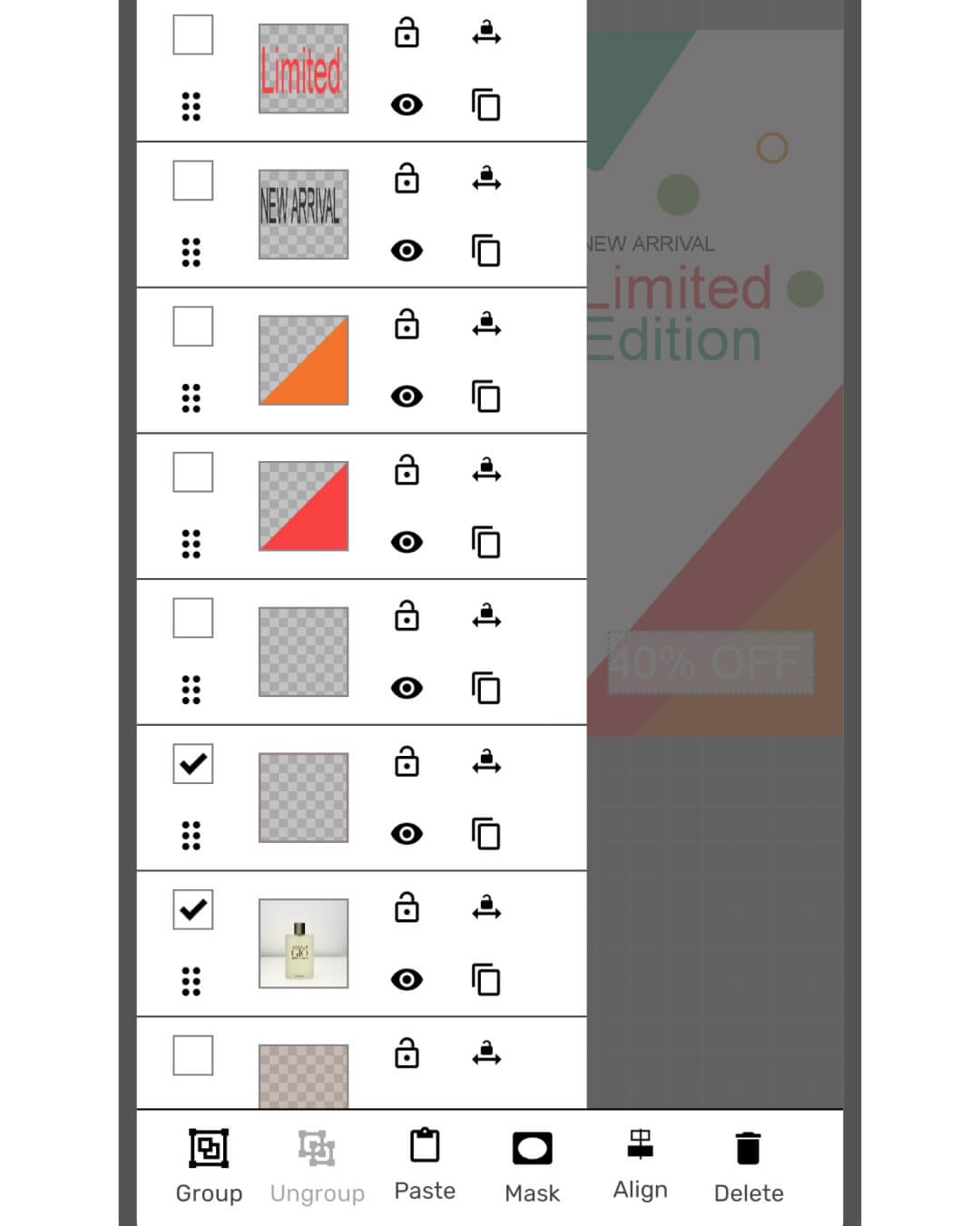
Organized layer management.
Arrange, lock, and group every element from a single, intuitive layer list.
Color choices & gradients.
Pick dynamic colors and apply stunning radial or linear gradients to your designs.
Align with confidence.
Snap text and elements to dynamic guides for pixel-perfect balance and spacing.
The first ever Urdu video editor
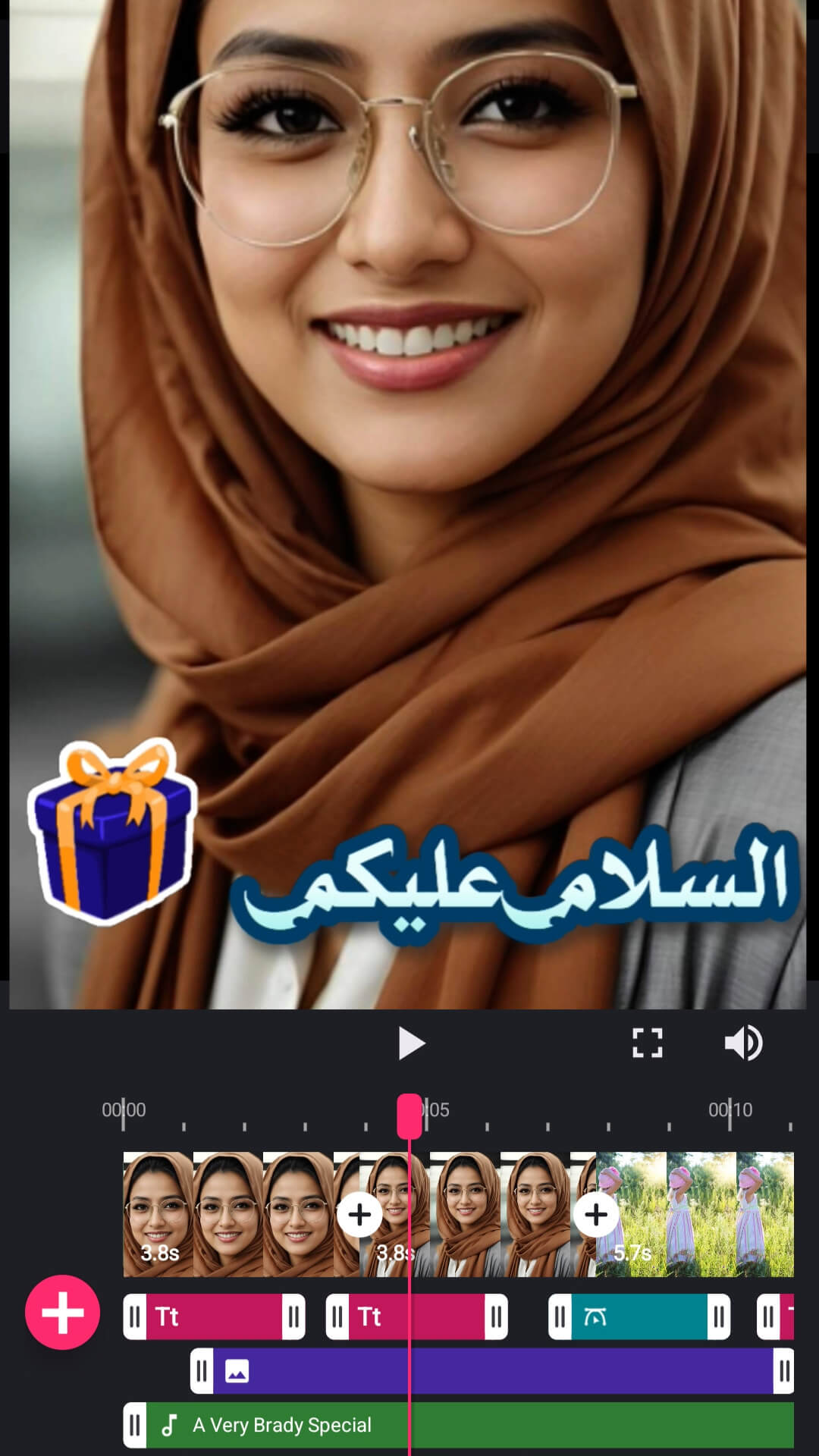
Edit videos with a full timeline — trim clips, add transitions and filters, and bring design-quality Urdu text to your videos.
Design-quality Urdu text, in motion.
A real timeline editor with the same Urdu typography you use in your designs — made for status videos, reels, and stories.
Timeline Editing
Trim, split, and reorder clips on a multi-track timeline with transitions and filters.
Animated Urdu Text
Overlay animated Nastaliq text, stickers, and shapes with full text effects.
AI Slides
Turn a text prompt into a ready-made slideshow video with AI.
Video Music
Free background music library for your videos.
Made for status & reels.
Edit in 9:16, 1:1, or 16:9 and share straight to WhatsApp status, Instagram, and YouTube.
Describe it. Generate it. Refine it.
Remove backgrounds in a single tap, generate original graphics from a text prompt, and bring your ideas to life in less time.
Takhleeq AI Studio.
Your all-in-one AI creative suite. Describe it, generate it, and edit it instantly.
AI Design
Generate crisp, movable vector designs from a prompt, editable directly on canvas.
AI Image
Create stunning, high-quality images instantly from your text descriptions.
Image to Prompt
Translate any graphic into a detailed, usable text prompt easily.
Text & Tables
Automatically generate text and format data-driven tables.
Instant background removal.
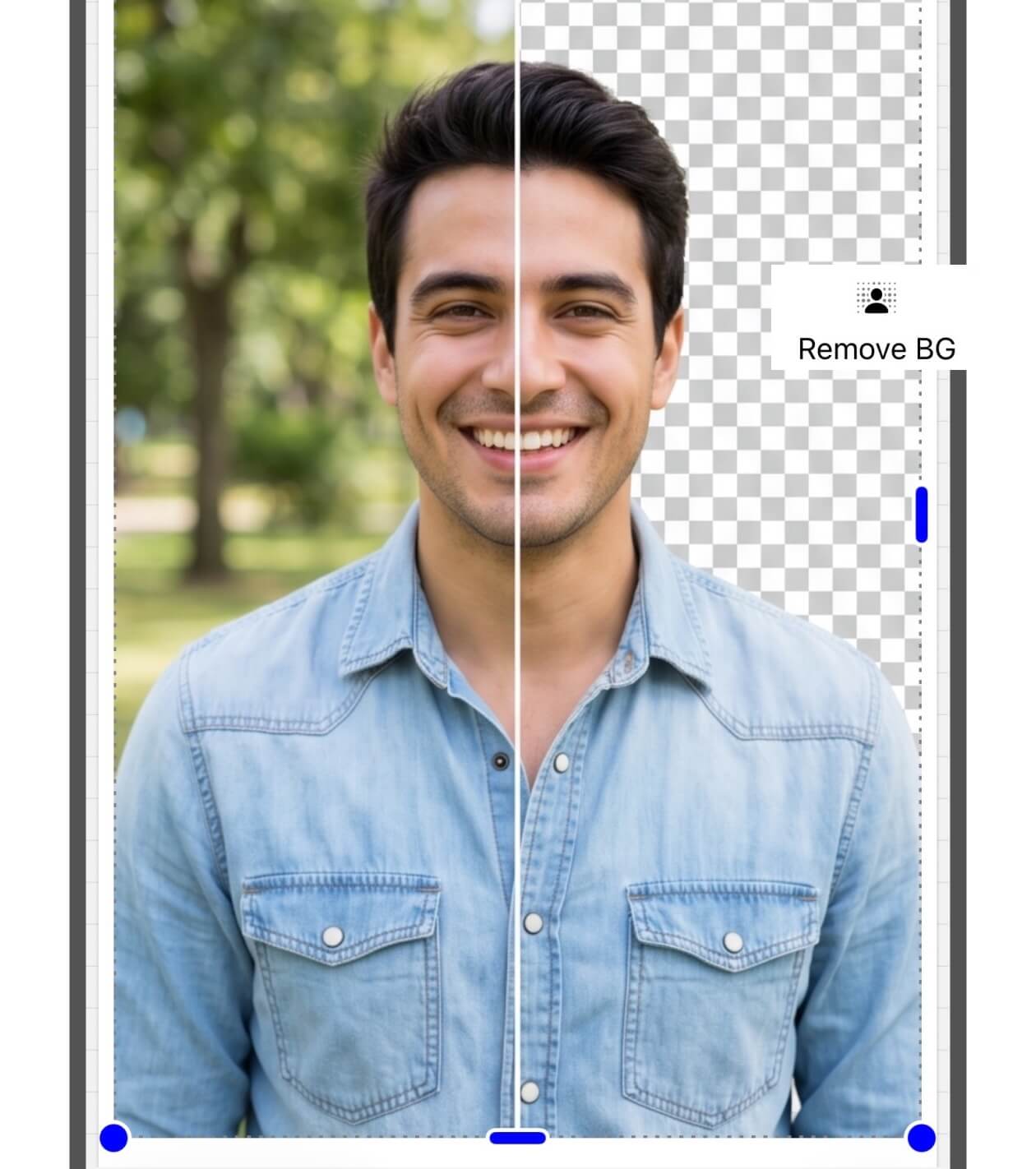
Isolate any subject in a single tap with AI-powered background removal.
A complete creative library
Accelerate your workflow with an extensive collection of templates, vector shapes, logos, and calligraphic elements — then export in high resolution across multiple formats.
Start from a template.
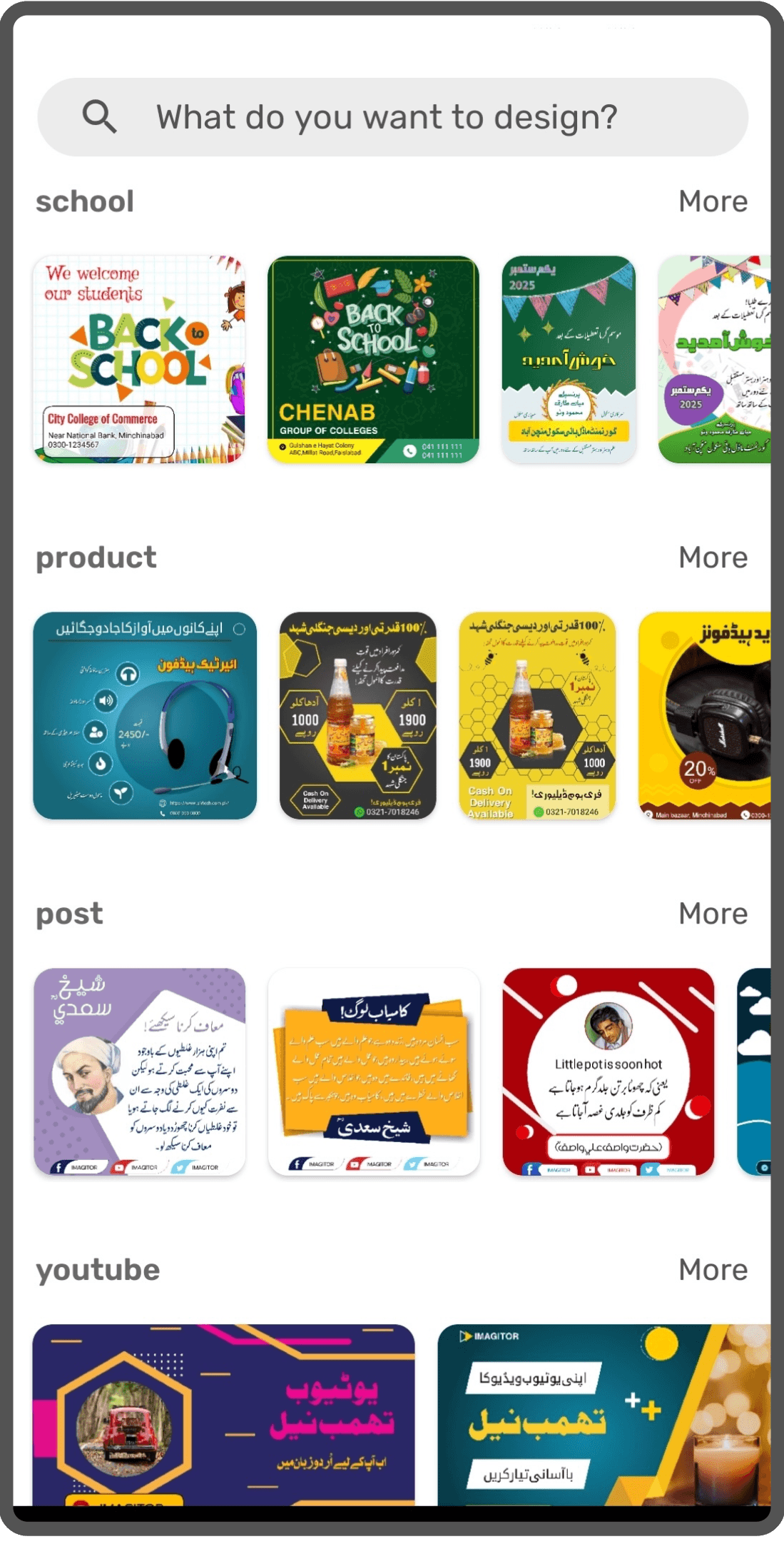
Begin with fully customizable templates for flyers, social posts, and more.
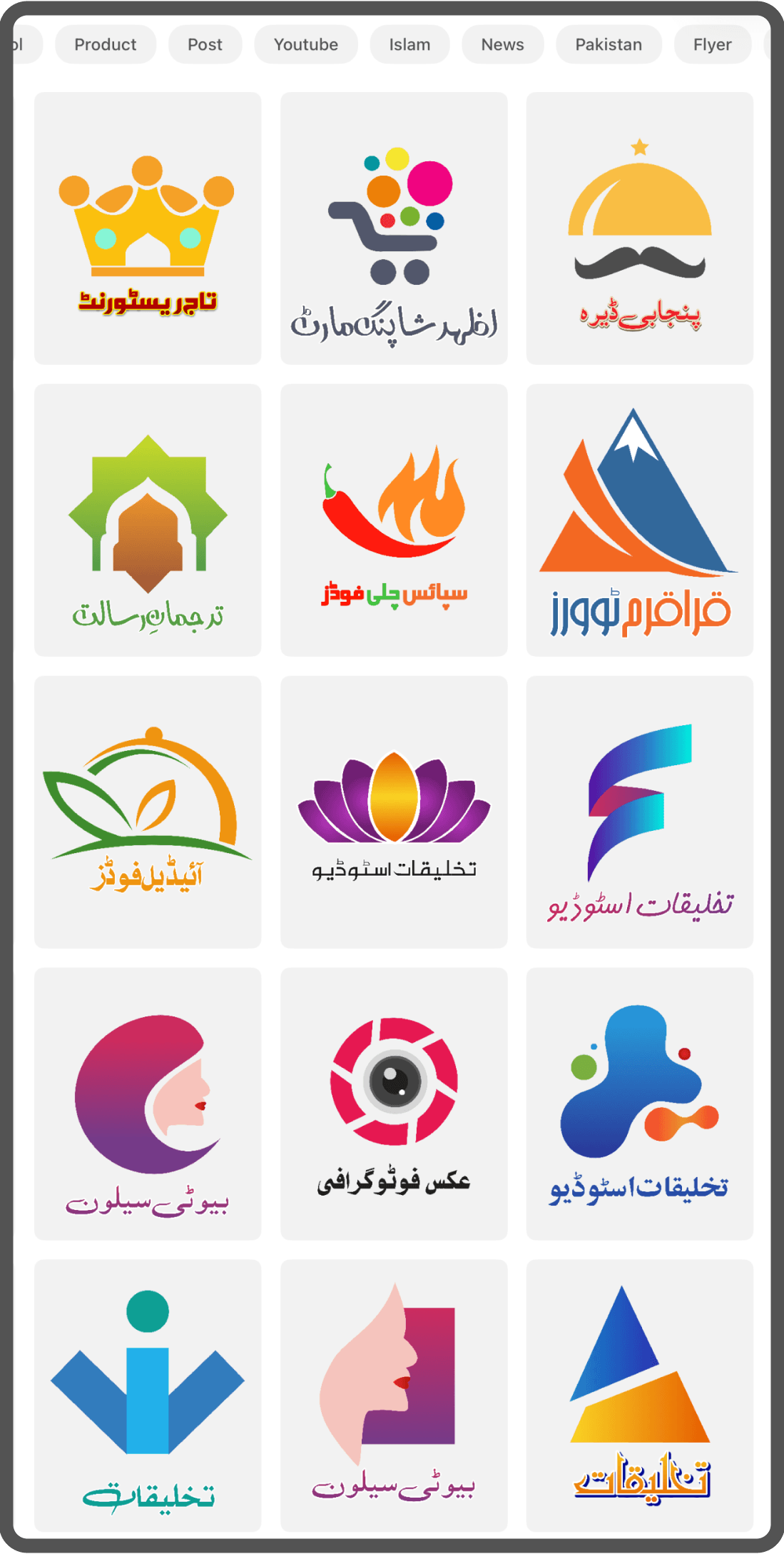
Craft your brand.
Design vector logos, emblems, and icons using flexible shapes and custom strokes.
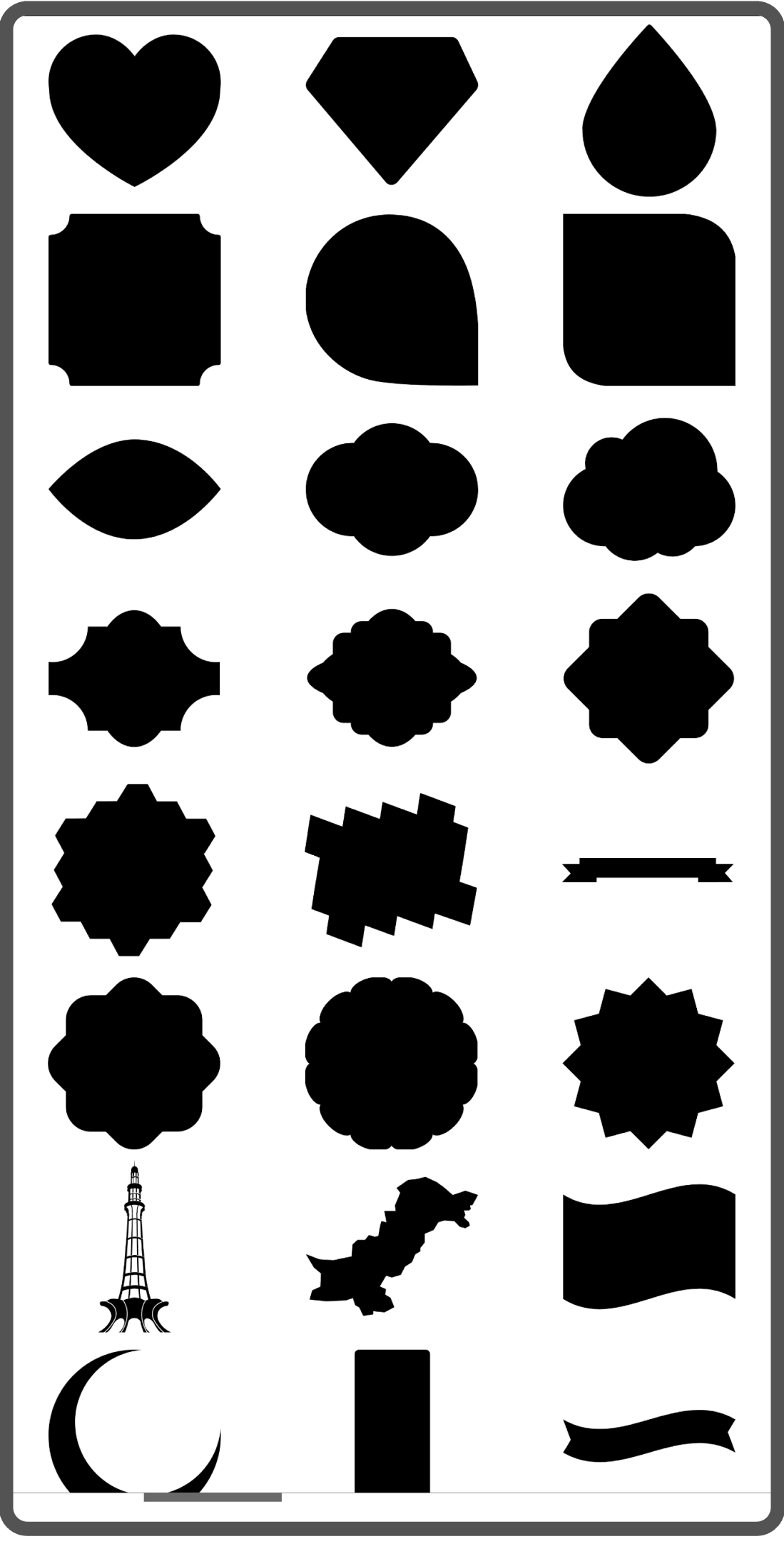
Organized assets.
Access shapes, calligraphy, and media from a neatly organized library.
Export without limits.
Export your work in high-resolution JPG, PNG, and PDF formats.
Start with a template. Create anything.







Take your design further
Upgrade to Imagitor Premium to unlock professional tools, an ad-free experience, and unlimited creative freedom.
Imagitor Premium
- Remove ads completely
- Remove watermark from exports
- Save unlimited projects
- Access to Premium templates
- Unlimited undo/redo steps
- Access to advanced Harf settings
- Full HD 1080p video export
- Full video transitions & animations catalog
- Export and import project library
- Overall Premium experience
Frequently Asked Questions
Yes. Imagitor is absolutely free to download and use, with a comprehensive set of professional features available at no cost. However, you can upgrade to a paid version for an ad-free premium experience and unlock advanced tools.
Yes. Imagitor now includes a full video editor — the first ever Urdu video editor. Edit videos on a multi-track timeline: trim and split clips, add transitions and filters, and overlay animated Urdu text, stickers, and background music.
Yes. You can overlay animated Urdu, Arabic, and Persian text on your videos using the same Nastaliq fonts and text effects as the design editor, with animations like fade, slide, and typewriter.
AI Slides turns a text prompt into a ready-made slideshow video. Describe your topic and Imagitor generates styled text slides that you can edit, re-time, and export as a video.
Yes. Imagitor includes a free background music library for your videos. Pick a track, drop it on the timeline, and trim it to fit your video.
Imagitor Premium unlocks the full potential of the app. It provides an ad-free experience, removes watermarks from exports, unlocks Full HD 1080p video export, and gives you unlimited project saves, unlimited undo/redo steps, and access to premium templates and advanced Harf settings. You can unlock it via a one-time purchase or subscription.
No account is required. You can begin designing the moment the app is installed.
Yes. You can import and use your own custom fonts to fully personalize your designs.
Yes. Imagitor is available on both Android and iOS, through the Google Play Store and the Apple App Store.
Yes. You can save any design as a project and continue editing it whenever you like.
Ready to create something remarkable?
Free on Android and iOS. No account required.